For fashion and seller content
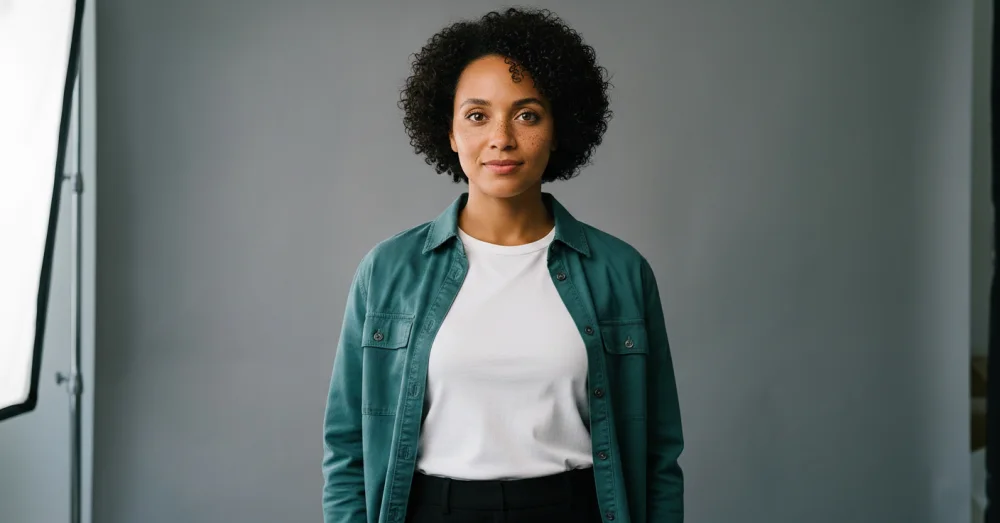
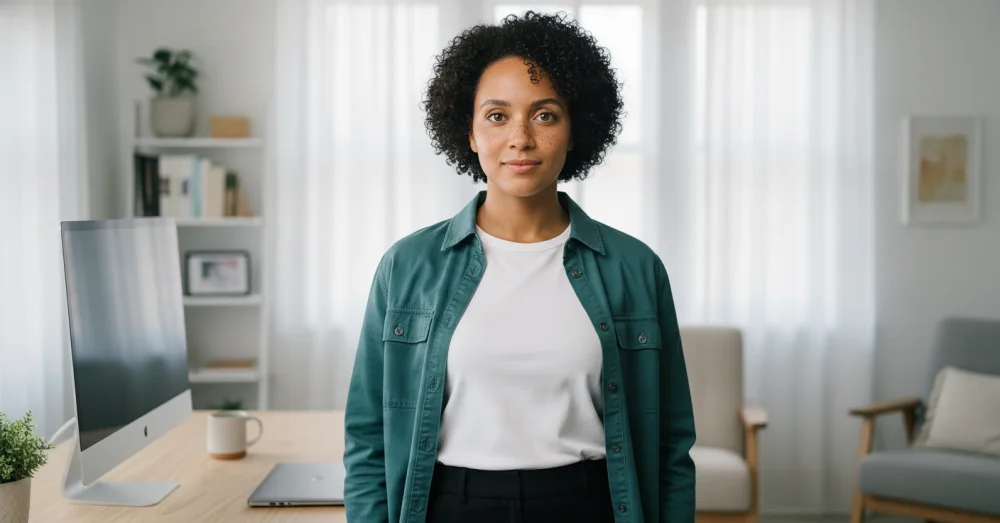
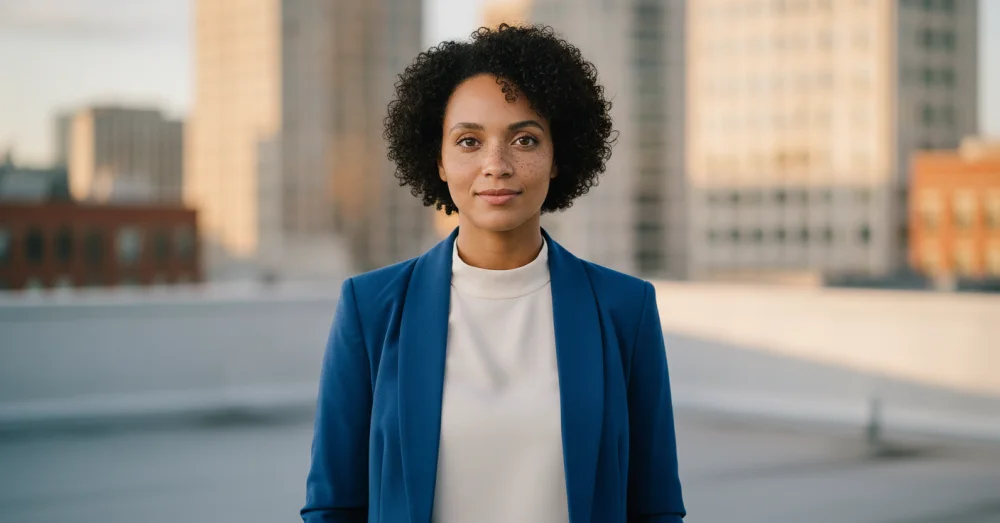
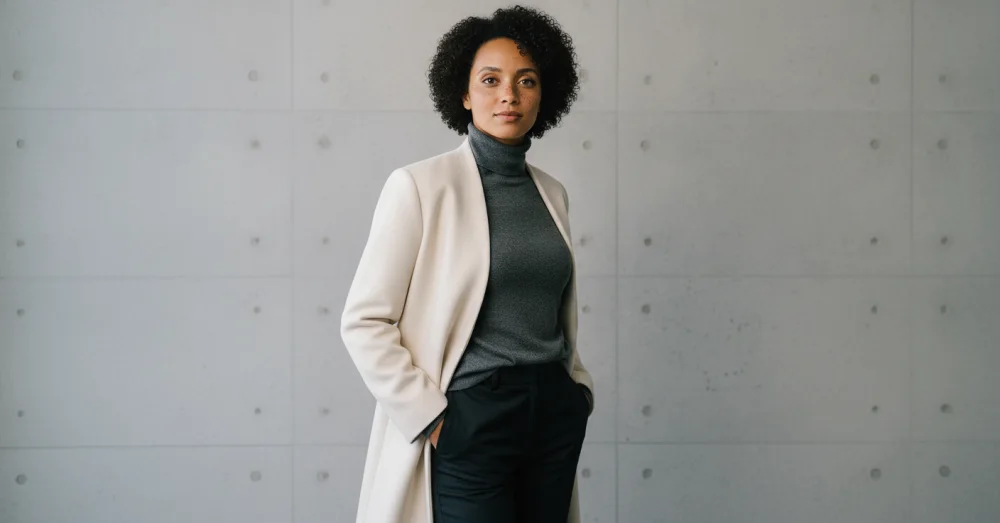
Keep the same adult model across different outfits and scenes
A lookbook falls apart when every outfit appears on a different near-match face. Use your own adult model, a consenting adult, or a model hired for generated scene work, then treat identity and clothing as two separate things to control.
Permission comes first. A photographer's image license does not automatically grant the right to generate new depictions of the model, and a public social photo is not an invitation. Make sure the adult understands the intended scenes, channels, and commercial use. Keep that permission with the project just as you would keep a model release from a conventional shoot.
Separate the model lock from the outfit brief
Your model references define the face, hair, age, skin tone, build, and proportions. Your outfit brief defines the garment, fit, fabric, color, and styling. State both clearly. If the uploaded reference already contains the garment you need, say that the outfit stays. If you are changing it, describe the new garment and tell the workbench not to carry over the old one.
Make a lookbook that can be reviewed
- Choose front, three-quarter, and full-body adult model references with consistent hair and age.
- Establish one neutral studio scene before adding a complex location or motion.
- Generate each outfit from the original model references, not from the previous outfit result.
- Review face, body proportions, garment construction, color, closures, and accessories side by side.
- Keep a real garment close-up for texture, labels, seams, and any detail a buyer relies on.
Know what the image can honestly sell
A generated lookbook scene can show styling and mood. It should not be the only evidence of fit, fabric, finish, or construction, and it must not reshape the model or garment in a way that misrepresents either. For a product listing, pair scenes with real product and detail photography. For a campaign, disclose the generated setting wherever it could imply a real location or endorsement.
Our discovery bench changed the synthetic model's outfit in five scenarios—blazer, sweater, coat, button-up, and trail clothing—while keeping identity usable in all five. That is encouraging small-sample evidence, not proof for every body, pose, or garment.
Questions, answered plainly
Can I use photos from a previous model shoot?
Only if your agreement covers generated derivatives and the intended commercial use, or the adult model gives new informed permission. Ownership of the files and permission to create new likeness-based scenes are separate questions.
Will the garment stay true while the model stays the same?
Prominent shape and color can hold, but small logos, labels, seams, prints, and fine construction may drift. Use generated scenes for styling context and keep real product close-ups for details a shopper needs to verify.
Can I make before-and-after body transformations?
That is not an intended use. Do not use the workflow for deceptive body changes, outcome claims, or suggestive framing. Keep the adult's body proportions consistent and the commercial story truthful.
Build a consented lookbook scene
Bring approved adult model references, describe one outfit and setting, then check both identity and garment before continuing.
One free watermarked preview here — no signup. Choose a pack only after you inspect the scene.